


Configure server lock and start protection
Use Zwind Server Lock, start password, Face ID verification, and Start on Launch without confusing them with WebDAV client credentials.
Server Lock protects Zwind’s own server start flow. WebDAV authentication protects connections from third-party clients. They look similar because both can involve a username and password, but they are used at different times.
Open Home, select the server, then tap Edit. The screenshots use the English app UI.
Keep the two password groups separate
The AUTHENTICATION section controls WebDAV clients. When Allow Anonymous Access is off, the Username and Password in that section must be entered in Finder, Files, Infuse, VLC, a NAS tool, or any other WebDAV client that connects to this server.
The SERVER LOCK section controls Zwind operations before a locked server starts. It does not change the WebDAV username or password that clients send over the network.
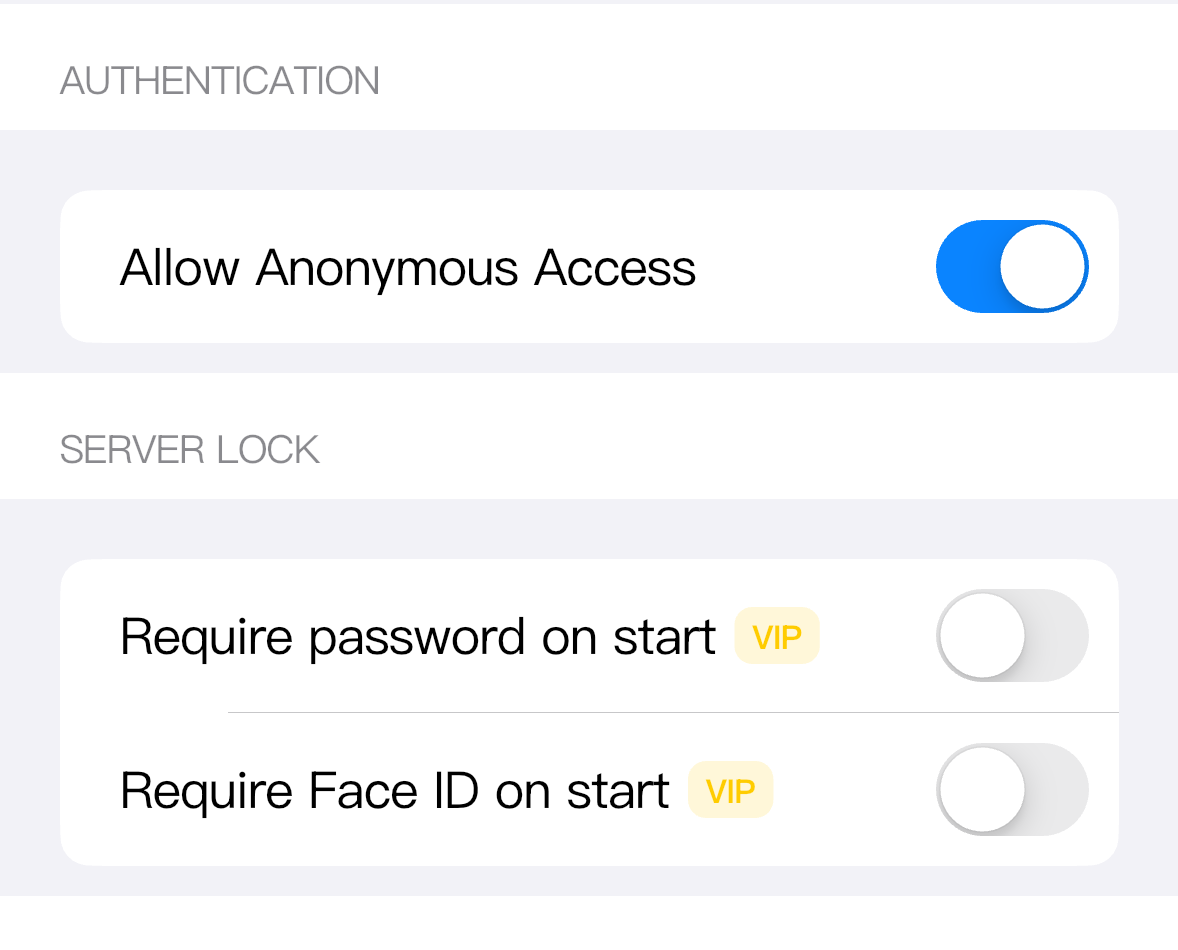
Use this distinction when you troubleshoot:
| Prompt or failure | Check this setting |
|---|---|
| A third-party WebDAV client asks for a login | AUTHENTICATION username and password. |
| Zwind asks before starting a server | SERVER LOCK start password or Face ID setting. |
| A client can connect without asking for a password | Allow Anonymous Access is still on, regardless of Server Lock. |
| Zwind refuses or skips automatic start | SERVER LOCK and Start on Launch are interacting. |
Use a start password for shared-device control
Turn on Require password on start when the server should not be started from Zwind without a separate confirmation. After the feature is allowed, Zwind shows Lock Username and Lock Password fields. Those values are checked inside Zwind before starting the server.
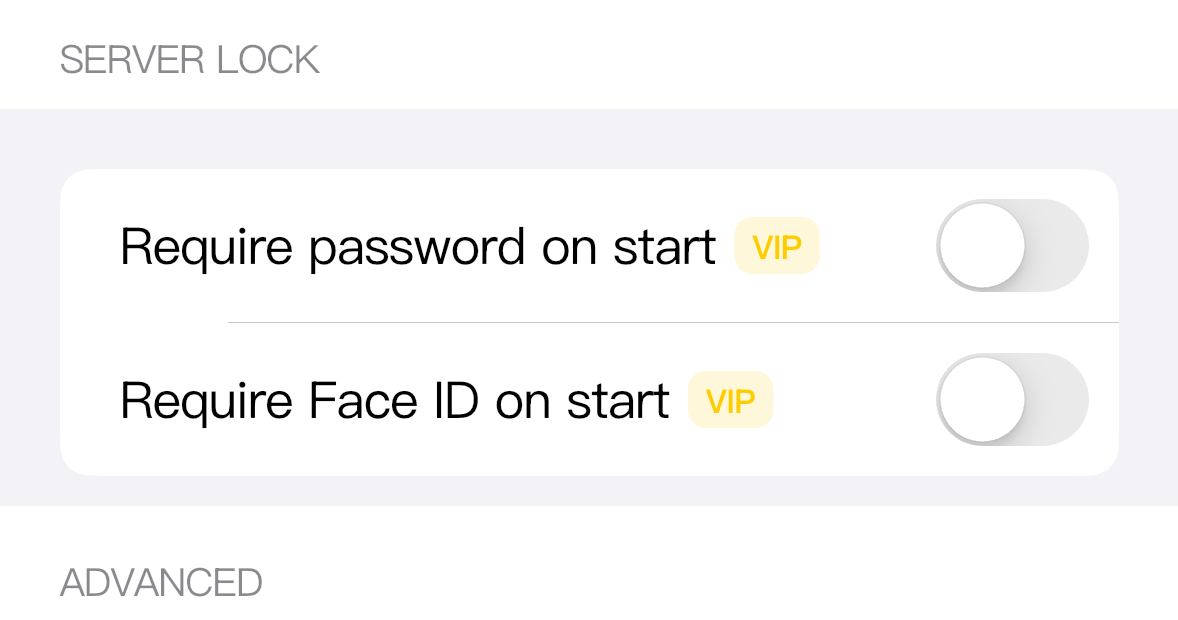
This is useful when the iPhone or iPad is handled by more than one person, or when you keep server entries configured but do not want a casual tap to bring one online. It does not hide files from a client that already has valid WebDAV credentials; use AUTHENTICATION for that.
Server Lock password is a Zwind VIP feature. If your account does not currently have VIP access, tapping the switch opens the unlock flow instead of immediately enabling the fields. In debug or test builds the switch may appear to continue after the explanation, but release builds require the entitlement.
Add Face ID when the device can verify it
Require Face ID on start adds an iOS biometric check before a locked server starts. It is also a Zwind VIP feature.
The switch is available only when iOS reports that biometric authentication can be checked on the device. If Face ID is not set up, unavailable on the device, blocked by system settings, or not available in the simulator session, Zwind leaves the switch disabled or the verification cannot complete.
When both start password and Face ID are enabled, Zwind asks for the start password first, then performs Face ID verification. If either step fails or is cancelled, the server is not started.
Understand Start on Launch
Start on Launch is in ADVANCED. It tells Zwind to start the server automatically when the app launches.
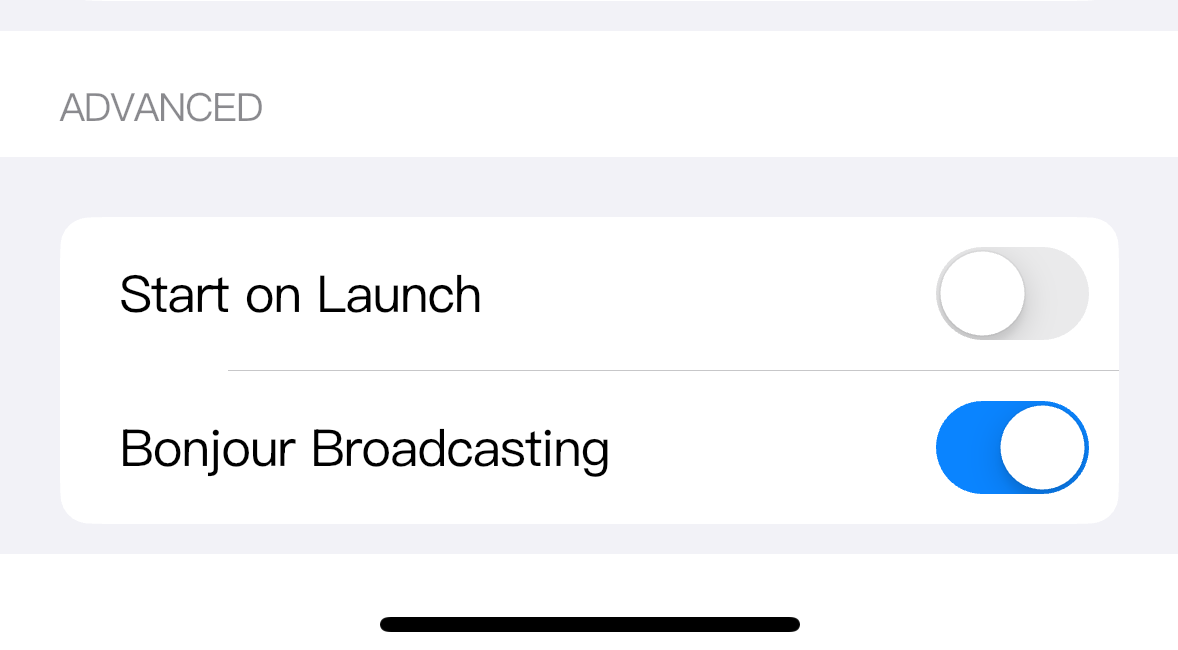
Automatic start cannot answer an interactive password sheet or Face ID prompt. For that reason, once Require password on start or Require Face ID on start is enabled, Zwind turns off Start on Launch for that server and skips locked servers during app-launch auto-start.
Use Start on Launch for servers that should be available as soon as Zwind opens and do not need an interactive start check. Use Server Lock for servers that should remain configured but require a person at the device before they go online.
Which protection fits which situation
| Situation | Use |
|---|---|
| You want WebDAV clients to log in before browsing files | Turn off Allow Anonymous Access and set AUTHENTICATION username and password. |
| You want Zwind to ask before starting a server from the app | Enable Require password on start and set Lock Username / Lock Password. |
| You want biometric confirmation before a server starts | Enable Require Face ID on start on a device where Face ID is available. |
| You want a server to start every time Zwind launches | Enable Start on Launch and leave interactive Server Lock checks off. |
| You want local network discovery in compatible clients | Use Bonjour Broadcasting; it does not replace credentials or Server Lock. |
Changing one row does not automatically change the others. For example, setting a start password does not make third-party clients use that password, and turning off anonymous WebDAV access does not make Start on Launch ask for Face ID.