


Use Feed View to aggregate content
Add RSS, OPML, YouTube, Bilibili, Reddit, and server-backed feed sources, then filter, read, reveal, and remove feeds in Zwind Feed View.
Feed View collects feed-like sources from Zwind’s WebDAV servers and resolver folders into a reading interface. RSS, OPML, YouTube, and Reddit sources are saved as RSS marker files. Bilibili sources are saved as Web Media rule files. Any running server that already exposes projection feeds also appears in the Feed View list after refresh.
The screenshots use the English app UI.
Open Feed View
From Home, select a running server and tap Browse as Feed, or open the Home sidebar and choose Feed View. Feed View shows manual Feed Groups, a searchable Feeds list, and grouped source sections such as RSS.
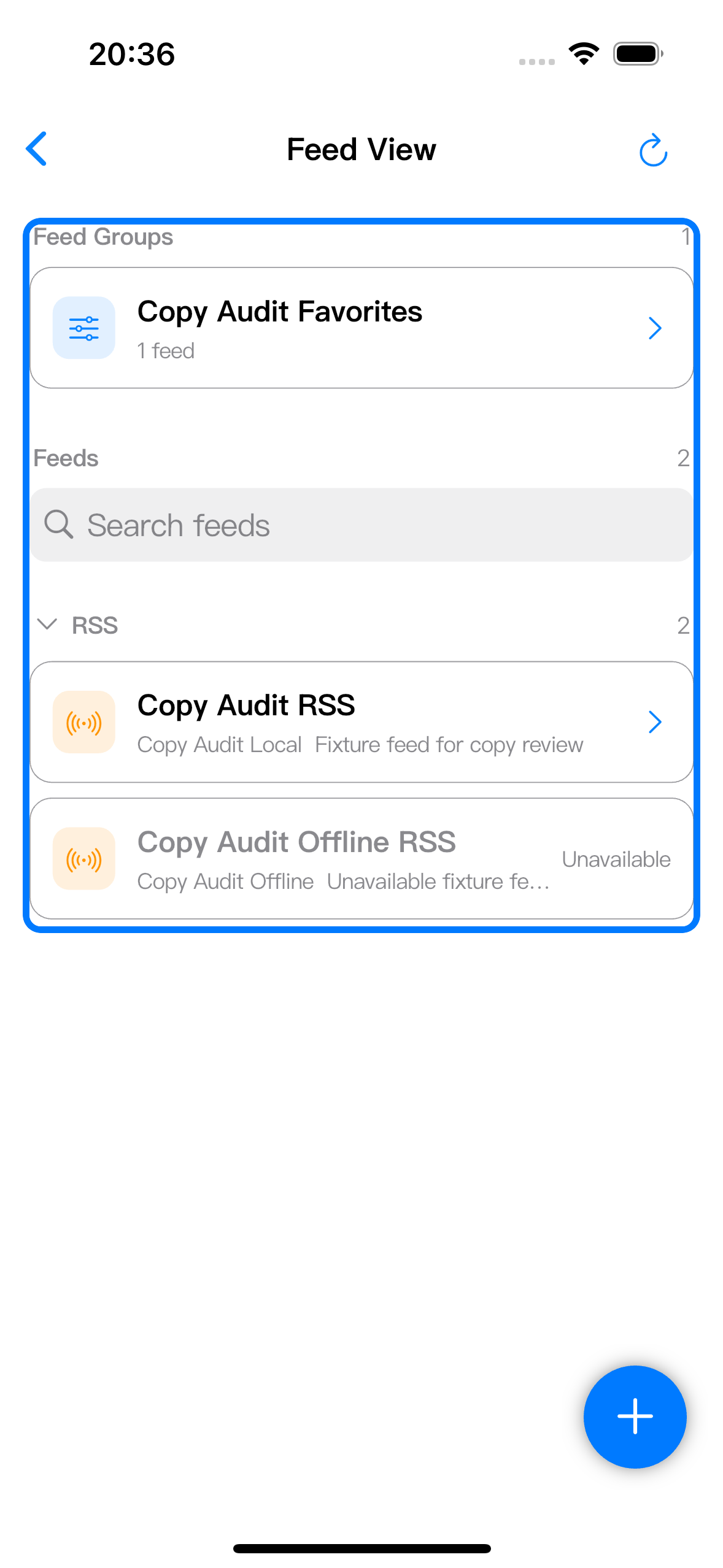
Tap a feed row to open its timeline. Long-press a row when you need actions for that feed.
Add a source
Tap +, then choose Add Feed. Open Source Type to choose what kind of source Zwind should create.
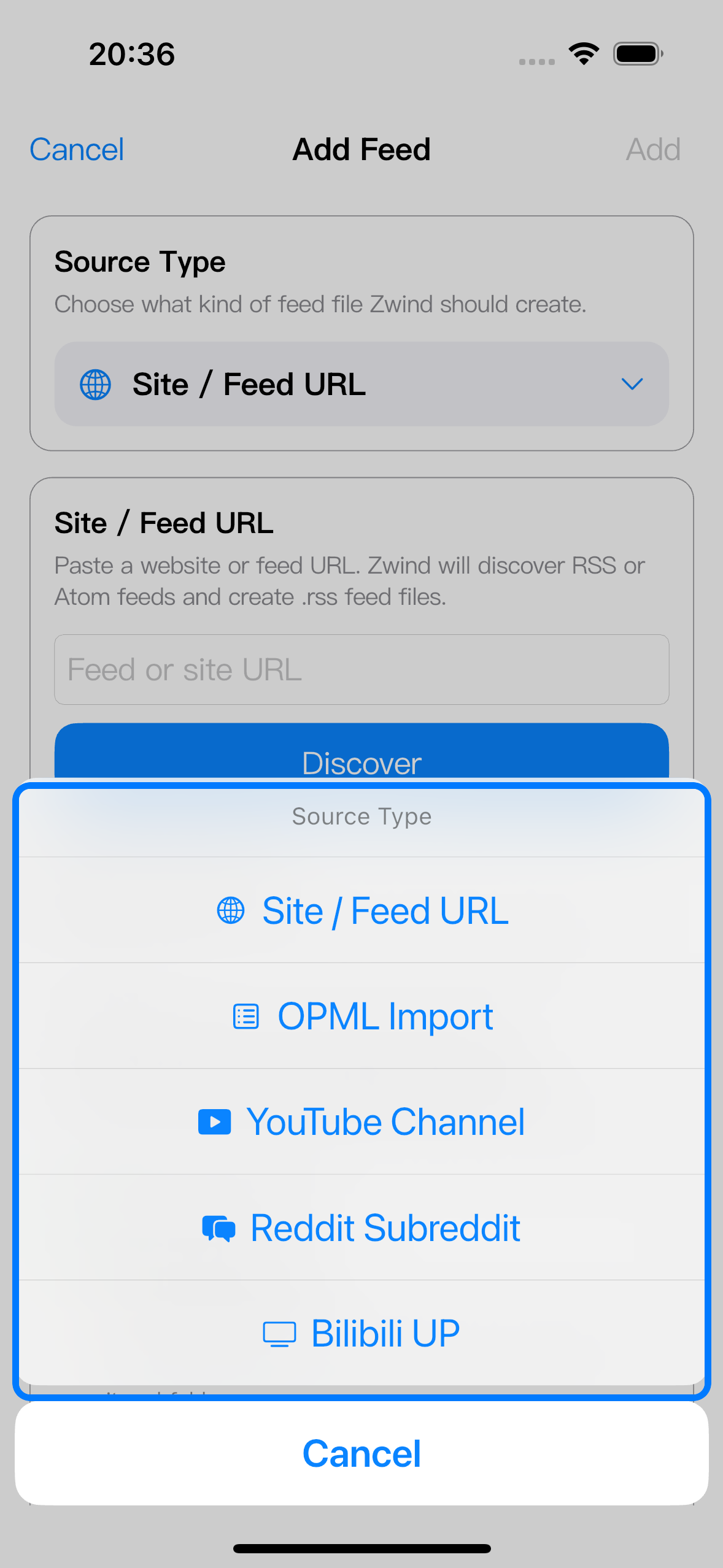
Use the source types this way:
| Source type | What to enter | What Zwind saves |
|---|---|---|
| Site / Feed URL | A website URL, RSS URL, or Atom URL. | One or more .rss marker files after discovery. |
| OPML Import | An OPML URL, or a local OPML file from Choose OPML File. | One .rss marker file for each selected outline item. |
| YouTube Channel | A channel URL, channel feed URL, or @handle. | A YouTube RSS .rss marker file. |
| Reddit Subreddit | A subreddit name such as r/selfhosted, or a subreddit URL. | A Reddit RSS .rss marker file. |
| Bilibili UP | A Bilibili UID or space URL. | A Web Media .wm rule file. |
After entering the source, tap Discover. Review the discovered candidates, deselect anything you do not want to save, choose a storage location, then tap Add.
Choose the correct storage folder
Add Feed does not save feeds into an ordinary folder. It saves marker files under a resolver binding so Browser and Feed View can read the same source.
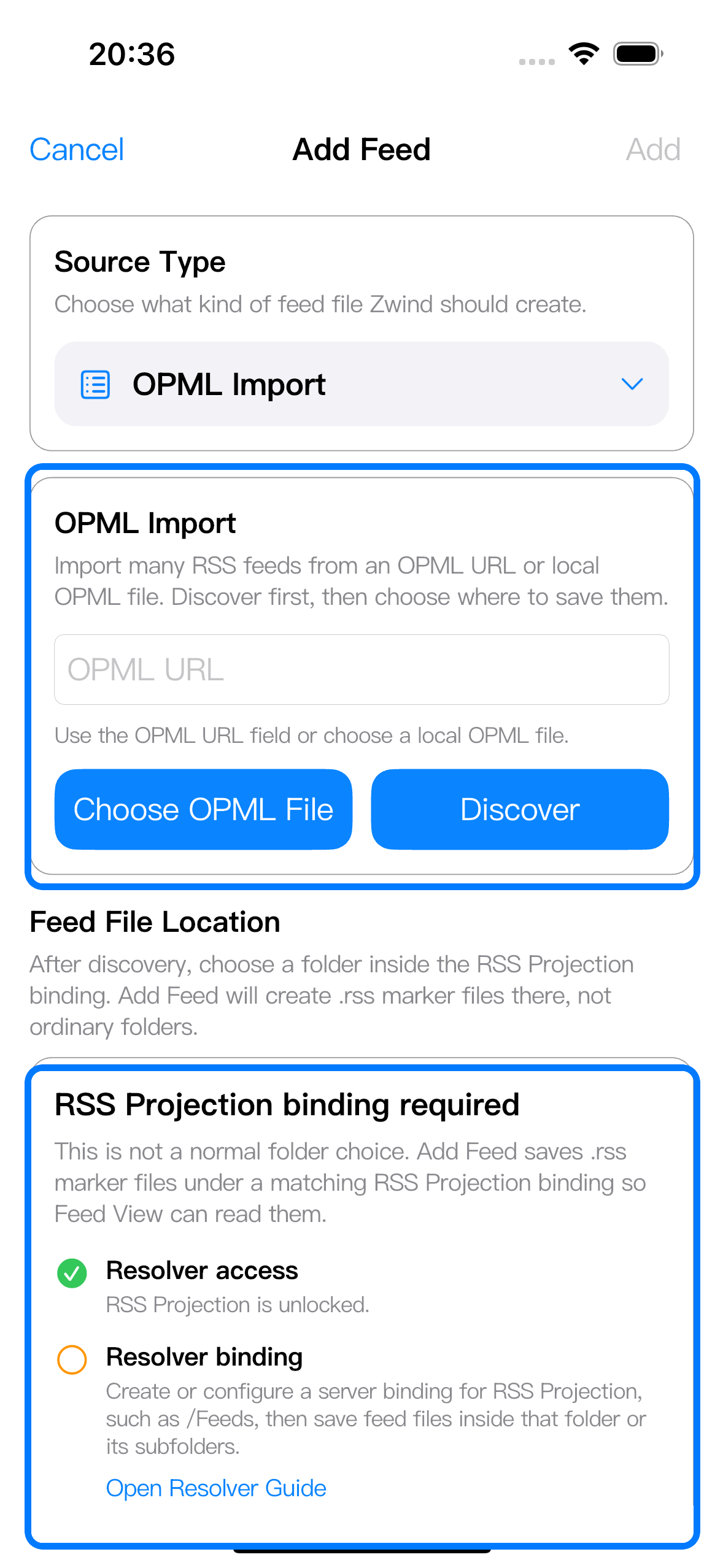
For RSS, OPML, YouTube, and Reddit, choose a folder inside an RSS Projection binding, commonly /Feeds. For Bilibili, choose a folder inside a Web Media Projection binding. If the form shows RSS Projection binding required or the equivalent Web Media message, open the resolver guide from that checklist or configure the binding from the server settings before saving.
If a server already has feed marker files or Web Media projection folders, start that server and return to Feed View. Tap refresh if the feed list has not updated yet.
Filter and group feeds
Use Search feeds to narrow the feed list by title or source. Expand or collapse a section such as RSS when you only want to focus on one source family.
Use New Feed Group from the + menu to build a manual reading list from existing feeds. A group opens a combined timeline; it does not duplicate or move the underlying feed files.
Read feed items
Tap a feed or feed group to open the timeline. Feed View sorts items by recent activity and keeps article, image, audio, and video entries in the same reading surface.
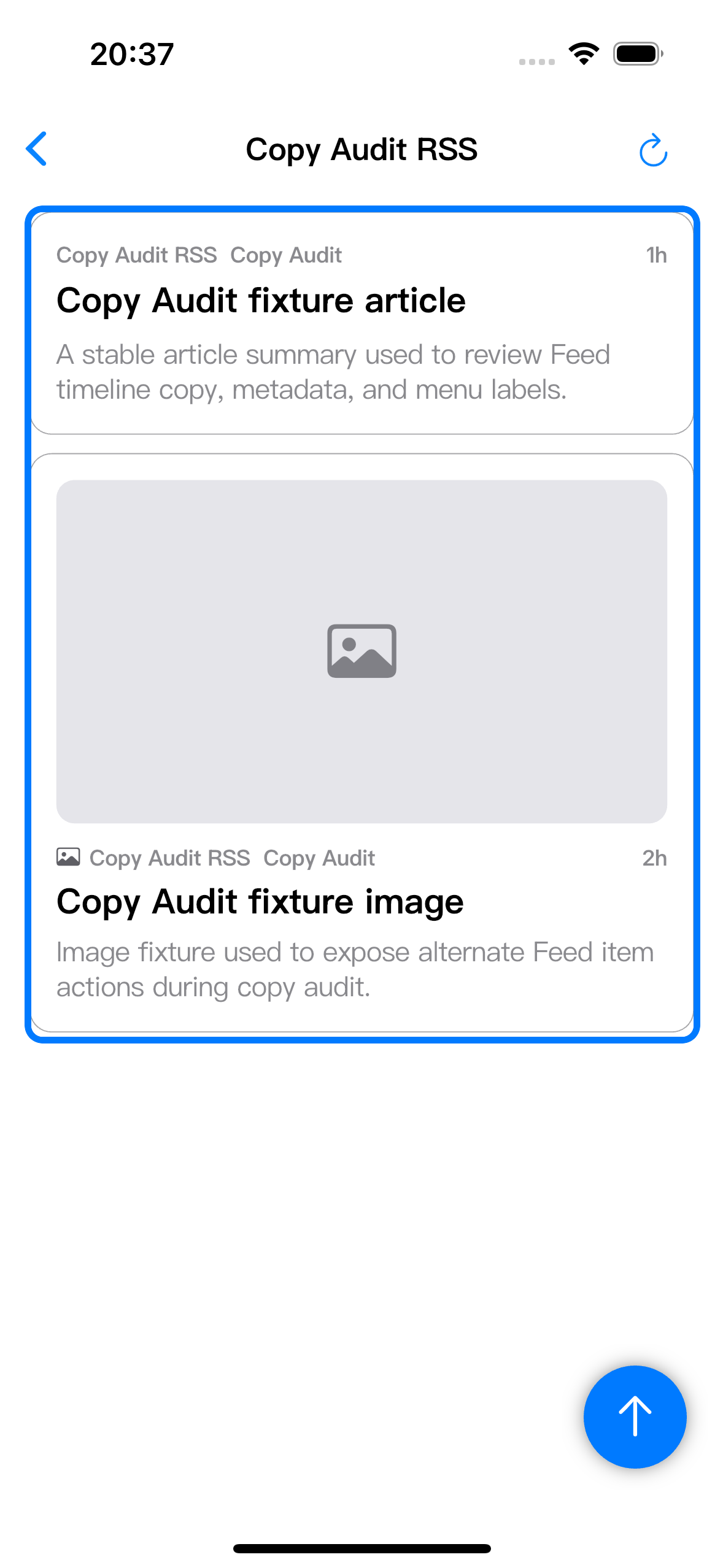
Tap an item to open it with Zwind’s default opener. For RSS articles, that usually opens the generated Markdown article. For image, audio, and video resources, Zwind opens the matching built-in viewer or player when the item exposes a playable resource.
Open the source folder in Browser
Long-press a timeline item and choose Reveal in Folder to jump to the WebDAV folder behind that item. Use this when you want Browser actions such as refresh, sorting, file operations, or opening nearby projected files.
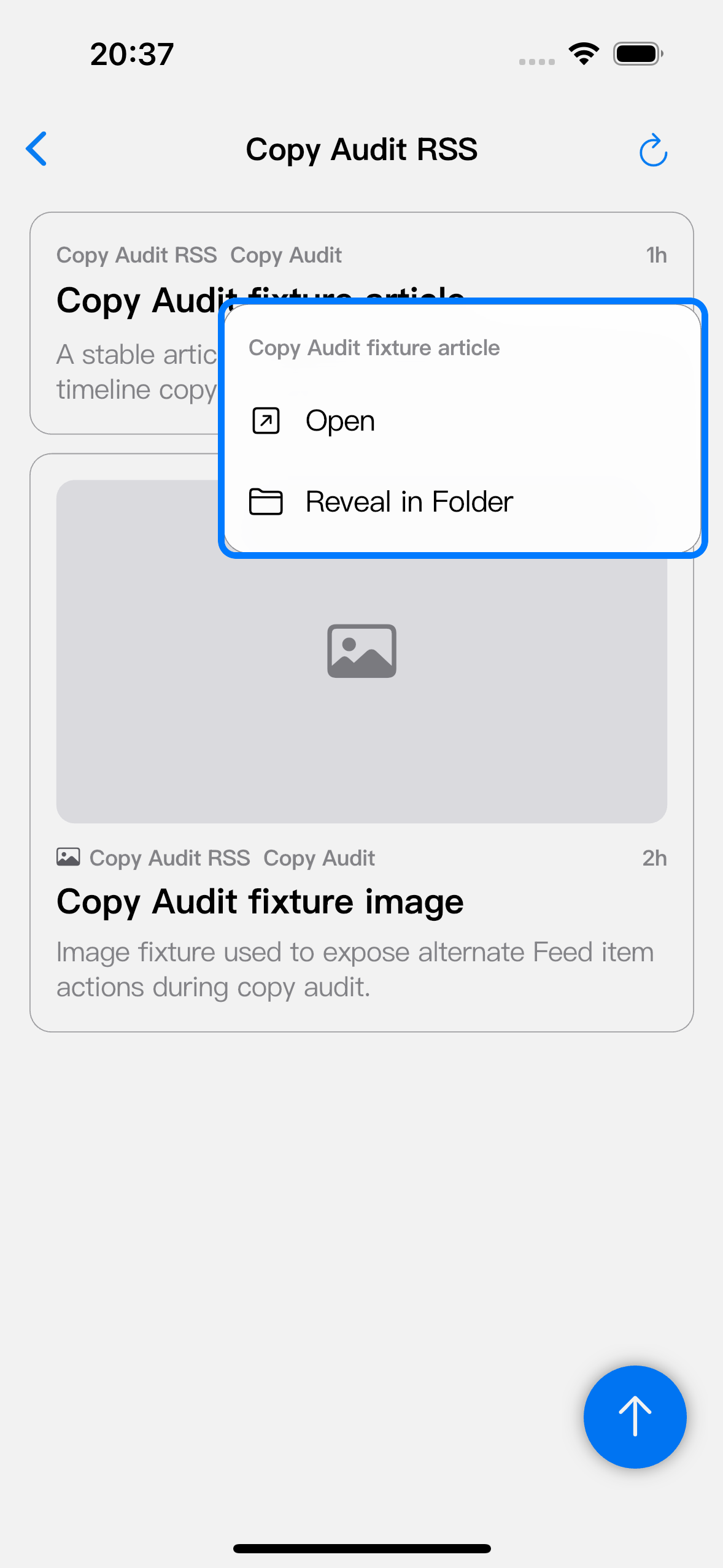
The same Reveal in Folder action is available from a feed row menu when the feed still belongs to a running server. If the row is unavailable, the reveal action is disabled because Feed View cannot find a current server path for it.
Remove an unavailable feed from Feed View
Long-press an unavailable feed and choose Remove from List.
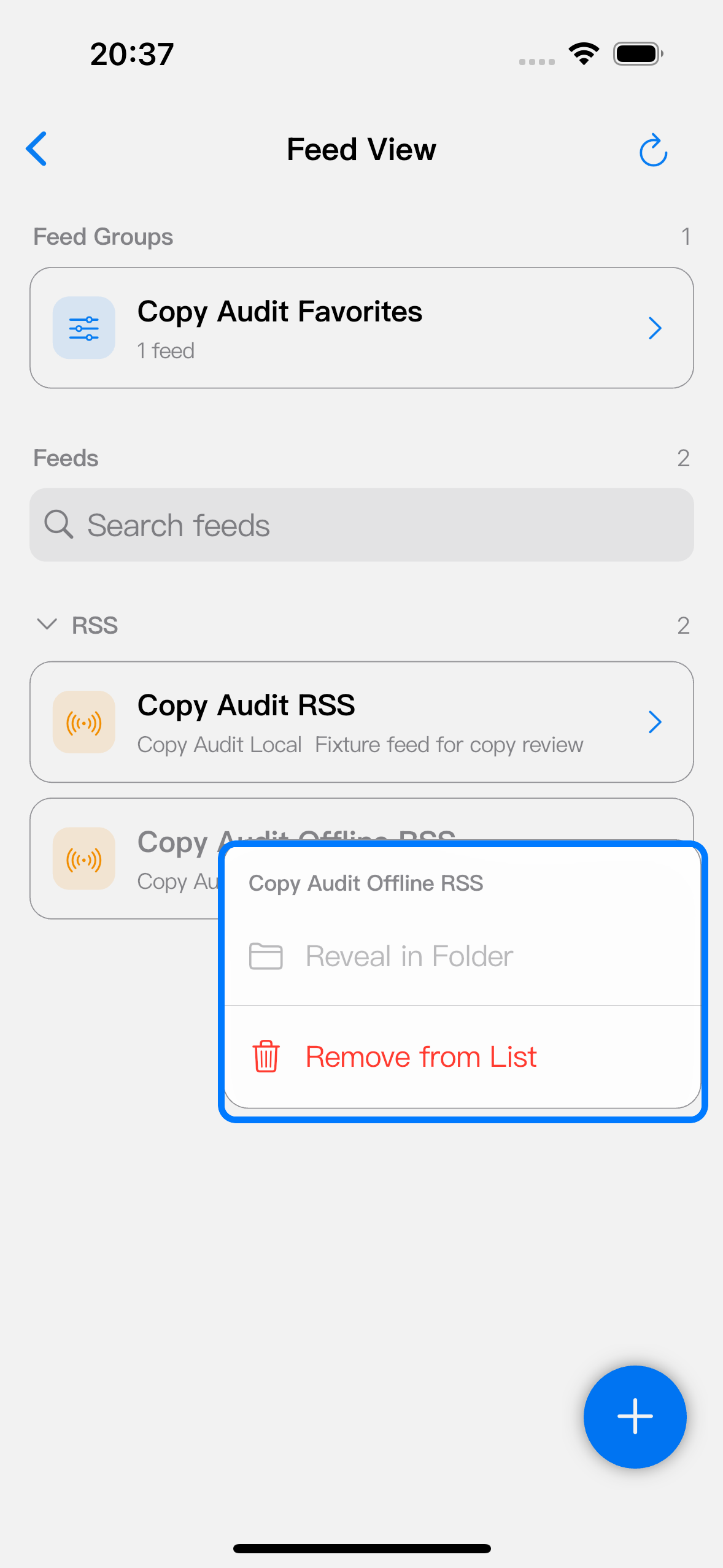
This action only removes the stale row from Feed View’s local catalog. It does not delete .rss or .wm files from a WebDAV server. The option appears when the feed is still remembered locally but the current scan cannot find it, for example after a server was removed, a resolver binding changed, a feed file moved, or the server is not running.