



Refresh resolver caches and update results
Use the Browser action menu to update Quark imports, re-parse Web Media results, and refresh Emby projection caches from the current resolver path.
Some resolver results are cached or materialized after Browser opens a projected path. The bottom-right Browser action menu adds resolver-specific refresh actions when the current folder is inside a matching enabled resolver binding.
Use these actions when the projected result is stale: a tracked Quark import did not show newly added share files, a Web Media rule or source page changed, or Emby library and playback views need to be fetched again.
The screenshots use the English app UI and local documentation fixtures.
Quick map
| Browser action | Where it appears | What it refreshes |
|---|---|---|
| Update Imports | Inside a Quark Search Import binding, for example /Imports or /Imports/Dune 2021 | Existing imported Quark share records tracked by that binding or by the current search intent folder. |
| Re-parse | Inside a Web Media Projection binding, including a .wm projected folder and its item folders | Web Media source list, item detail, media discovery, or expansion cache for the current path. |
| Refresh Emby | Inside an Emby Library Projection Resolver binding, including root, library, item, Recently Added, Continue Watching, and Search paths | Emby library tree, search results, latest/resume lists, item metadata views, and playback response caches for the current path scope. |
These actions are not the same as Browser’s normal directory refresh. Normal refresh asks the current WebDAV path for its current listing. The resolver actions invalidate resolver state first, then Browser reloads the current path.
Update tracked Quark imports
Open a folder inside the Quark Search Import binding, then open the bottom-right action menu. Update Imports appears in that binding scope.
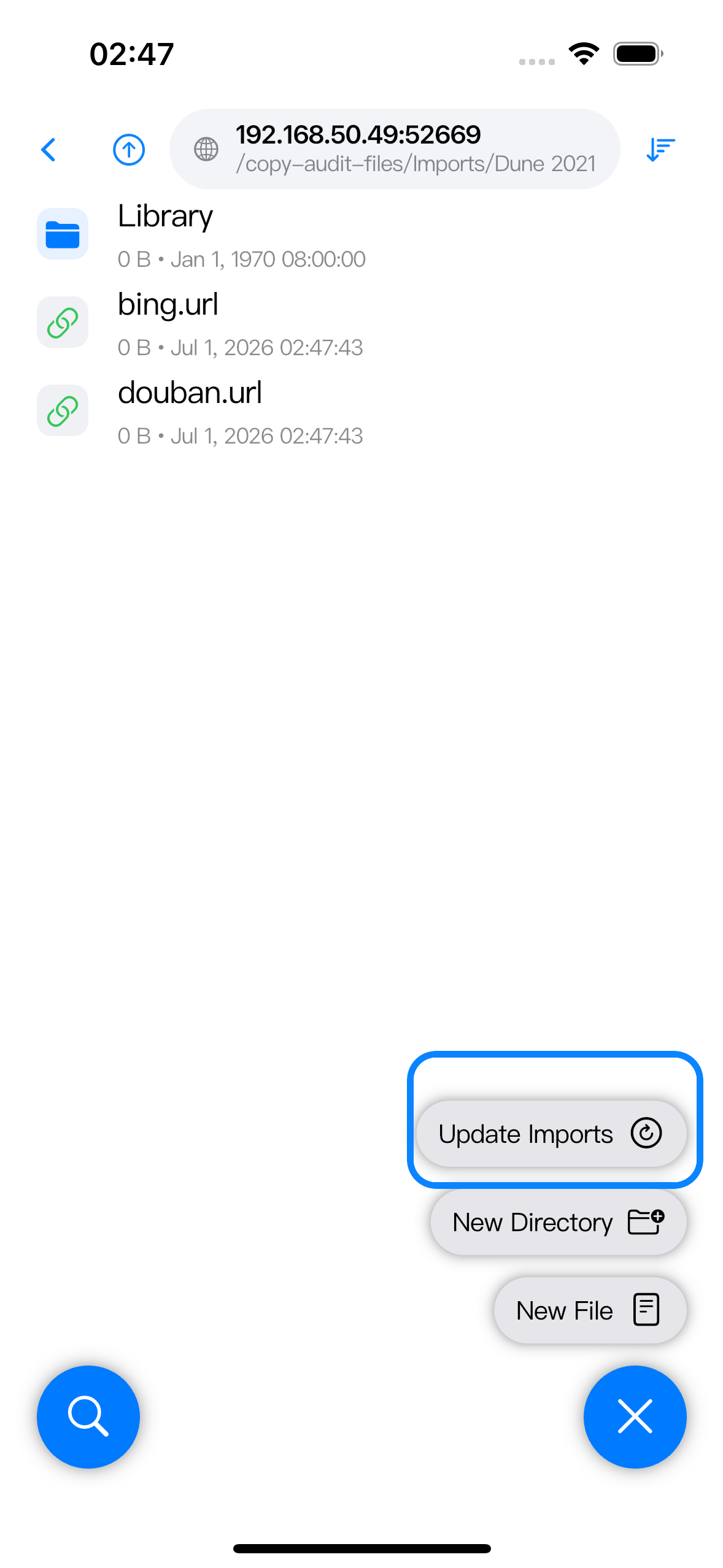
Use Update Imports when a folder that was already imported by Quark Search Import should pick up files added later to the original source share.
The scope depends on the current path:
| Current Browser path | Scope |
|---|---|
Binding root, such as /Imports | Checks imported records tracked by that binding. |
Search intent folder, such as /Imports/Dune 2021 | Checks imported records for that intent folder. |
| A child path under an intent folder | Uses the first folder under the binding as the intent, so /Imports/Dune 2021/Library still targets /Imports/Dune 2021. |
The update check does not search for a new keyword. It reads the resolver’s existing import records, inspects the original share links, imports newly found items into the tracked target folders, updates the known item list, and invalidates the affected intent folder listing. If the folder has no tracked imported record yet, the check can complete with zero updates.
To search a different title, create another empty folder under the binding and open it.
Re-parse Web Media
Open a path inside the Web Media binding, then use the bottom-right menu. Re-parse appears for .wm projected directories and item directories.
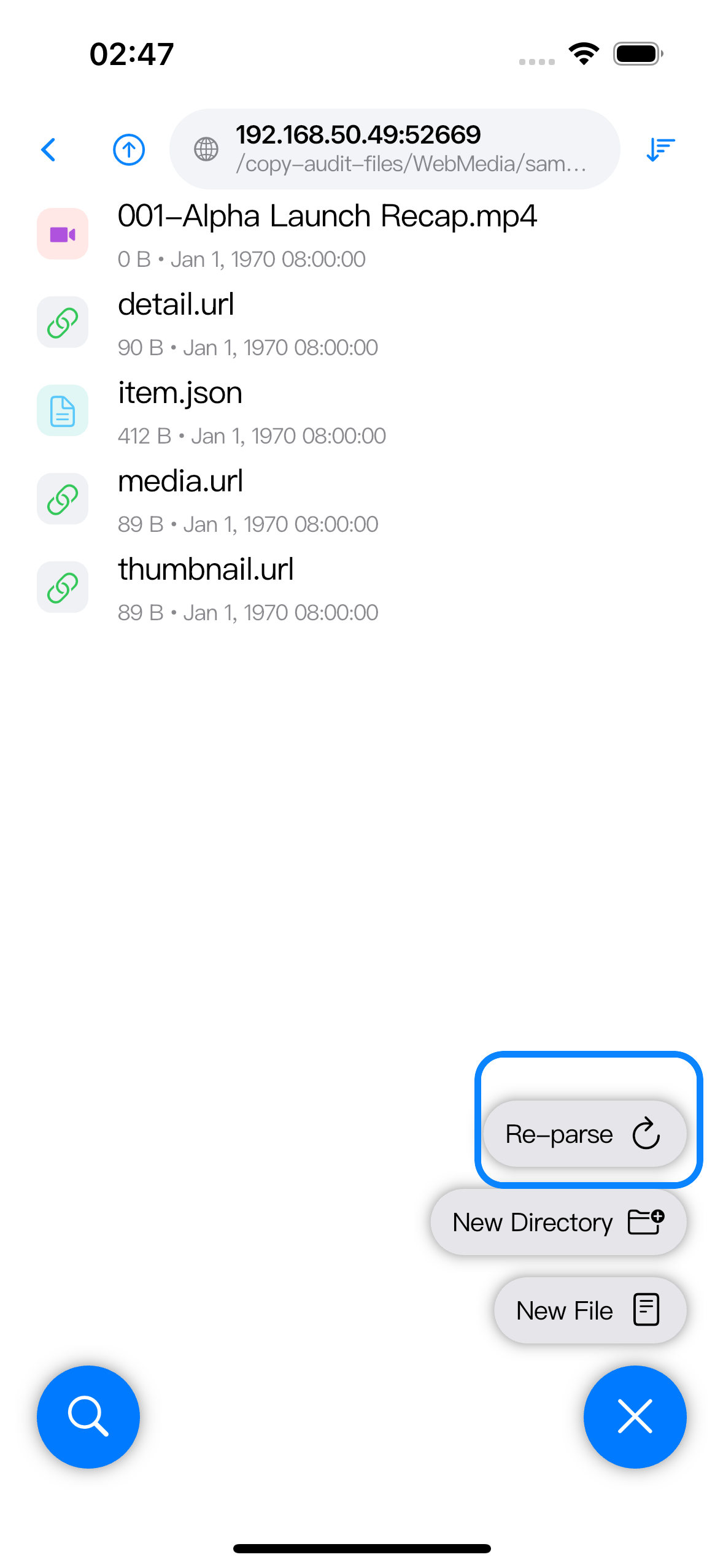
Use Re-parse when the source page changed, the .wm rule was edited, an item page now exposes different media, or a previous result still reflects an older parse.
The current path decides which Web Media layer is refreshed:
| Current Browser path | Refreshed layer |
|---|---|
A Web Media binding directory that contains .wm marker files | Re-parses the source list for each .wm marker in that current directory. It does not recursively scan every child folder. |
A .wm projected directory or its source.json | Re-parses the source page and rebuilds the projected item list for that marker. |
| A top-level item folder that uses expansion rules | Refreshes that item’s expansion result, which can change the child item folders shown below it. |
A normal item folder or files such as detail.url, media.url, or the resolved media file | Refreshes that item’s detail/media discovery result. |
After the action completes, Browser reloads the same path. The completion dialog names the refreshed scope, such as source, detail, expansion, or directory.
Refresh Emby paths
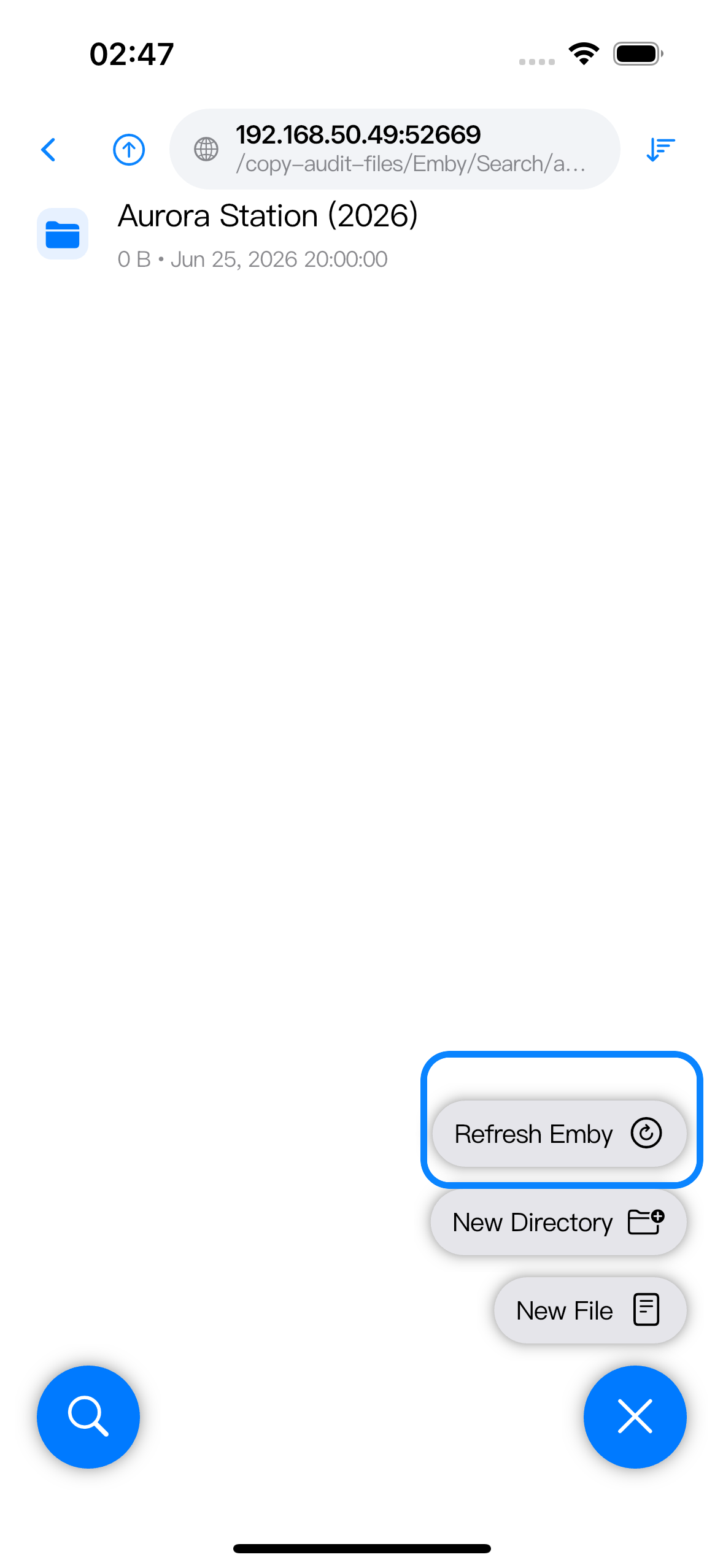
Open a path inside the Emby binding and use the bottom-right menu. Refresh Emby appears at the Emby root and under library, media item, Recently Added, Continue Watching, and Search result paths.
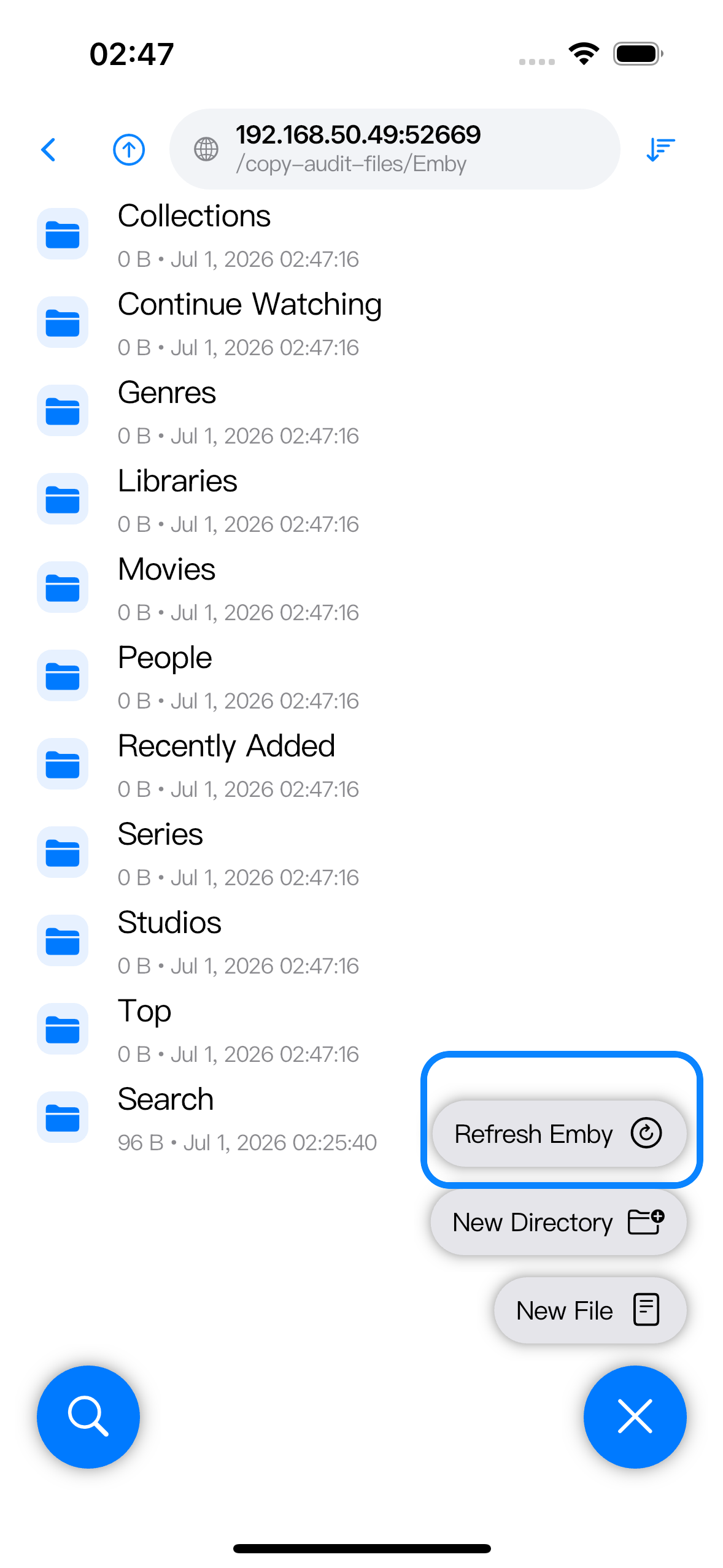
Use Refresh Emby when Emby has changed but Zwind is still showing an older projected view: new library items, changed metadata, updated Continue Watching state, new search matches, or playback source details that should be fetched again.
The current path controls which Emby cache bucket is invalidated:
| Current Browser path | Refreshed layer |
|---|---|
Emby root, such as /Emby | Clears the Emby session and all cached Emby projection results for that binding. |
/Emby/Search/<query> | Clears cached search results for Emby searches. |
/Emby/Recently Added | Clears the latest media list. |
/Emby/Continue Watching | Clears the resumable playback list. |
/Emby/Movies or /Emby/Series | Clears cached item page listings for those top-level views. |
/Emby/Genres, /Emby/People, /Emby/Years, or /Emby/Collections | Clears the matching filter category and result caches. |
| Library and item paths, including media item folders | Refreshes the library tree side of the projection and clears cached playback responses where that path maps through the library tree. |
For search folders, run the same action from inside the query result path to refresh that search result set.
Playback progress reported from Zwind’s Video Player can also invalidate Continue Watching automatically. Refresh Emby is the manual action to use when the current Browser path is still showing stale Emby data.